Tell it as a place
A field guide to a site that tells your story instead of listing it: find the spine, build the world in Blender and FLORA, then hand the playhead to the reader’s scroll. Every technique it teaches, it performs.
A guide in three chapters: find the story, build the world, hand the playhead to the reader. The worked example is this site. Every model, texture, and trick below is live on the homepage right now, and the page you're reading performs each technique as it explains it.
Most personal sites are inventories. Yours could be a place.
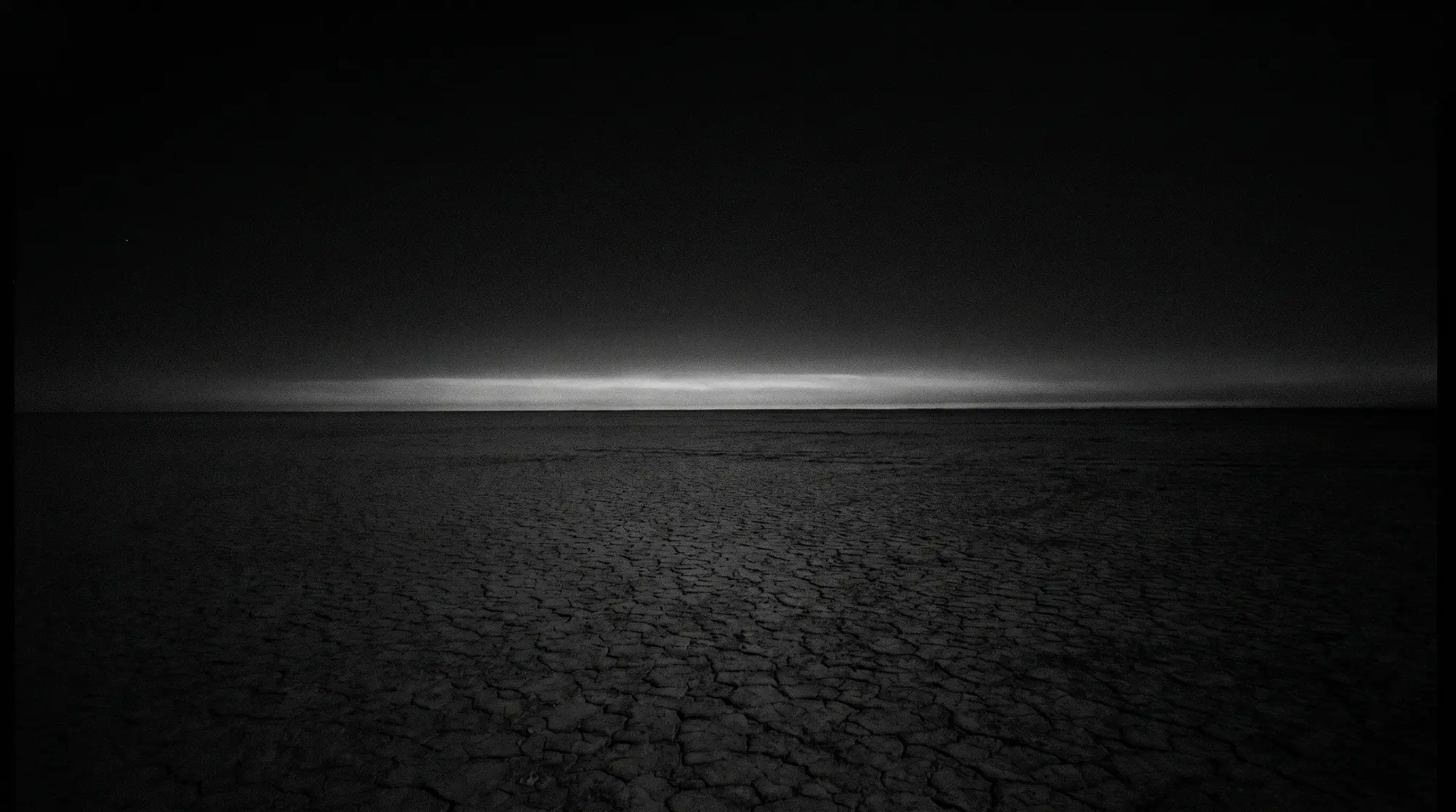
An inventory says what you've done: roles, dates, a grid of screenshots, a contact form. Useful, forgettable. A place says what it's like to be you for five minutes. The front door here is a desert at night with five glowing structures, because that's the truest available fact about its owner: he ships AI products for a living and builds light art for the playa, and one of those had to become the ground the other stands on.
Three decisions, in order. By the end you'll have scrolled through the argument itself: the story spine runs on a real decade, the pipeline rebuilds a real bike, and the final flythrough shows its own scroll state in the corners while it plays.
Figure out the story
Not the resume. The one sequence of events that explains why the rest exists.
Kenn Adams, an improv teacher, wrote the story spine as a rehearsal exercise: seven fill-in-the-blank lines that force a shape onto whatever you feed them. Pixar story artists later made it famous. It works because it refuses abstraction; every line demands an event, and a decade of "responsible for" contains surprisingly few events. Feed it your own last ten years and notice where it snags. The snag is the story.
- Once upon a time, a product manager spent ten years shipping AI into other people’s products.
- Every day, the work went out under somebody else’s logo and vanished into a data center.
- But one day, he hauled steel and LED rope to the Black Rock Desert and built a pack of extinct animals out of light.
- Because of that, strangers walked out of the dark just to stand near them.
- Because of that, the projects got bigger: a pink triangle the whole city could see, a ring of light for World AIDS Day.
- Until finally, his front door stopped being a list of jobs and became that desert at night.
- And ever since, visitors don’t read the story. They walk into it.
One correction before you write yours: you are not the hero of your site. The StoryBrand people built a whole methodology on that observation about brands, and it holds harder for personal pages. A visitor arrives mid-problem (hire someone, book a speaker, check whether you're real) and wants a guide, not an audience. So the homepage greets them with somewhere to go instead of a banner announcing greatness. The dish points at the sky for a living; this one is pointed at you.
dish.glb · 71,460 bytes
The visitor is the hero. You're the signpost with the lantern on it.
Before moving on, compress the spine to one line you can build against. Three blanks, nothing else:
People arrive carrying
I hand them
They leave with
The desert version: people arrive in the dark, the structures glow, nobody needs a map.
Build the world
3D is a medium, not a flex. It earns its bytes when the objects mean something.
A place needs matter. Here it's ten GLB models, 4.3 MB on disk, every one of them standing for something the owner actually made or loves. The stack behind them is small: Blender for layout and export, Hyper3D Rodin for generated meshes, FLORA for textures and skies, plus a headless bpy script in the repo that builds field geometry straight from code, no Blender window open. Suzanne and the Utah teapot are in there too, camped by the fire. Some traditions you keep.
- 01, geometry. Blender first. Lay the scene out at real scale and apply every transform before export. The night field skipped that once; the parked models orbited a ghost point in empty space until location was zeroed.
- 02, export. Export a GLB. Lights and modifiers stay behind, and materials barely make the trip; what survives is geometry, UVs, and whatever the Principled BSDF could describe.
- 03, materials. Rebuild materials at load. Generated meshes ship exotic state; Rodin sets metalness to 1, which renders pure black under point lights. The homepage fix is two floats: metalness 0.15, roughness 0.7.
- 04, light. Then light it like a place, not a product shot. Point lights, a pool on the ground, no HDRI. Somebody’s dusty cruiser, leaned where they left it.
/models/bike.glb
About the AI in that pipeline, plainly. FLORA made the tiles below and the sky; it's a node-based canvas for image work, and these are images: color maps moonlighting as bump maps, not full PBR sets, and for surfaces this small that's enough. Rodin turns reference photos into meshes, then ships materials that render black until you rebuild them. Meshy will hand you a complete PBR set from a prompt; Polycam scans the real world instead of inventing one. None of them lays out your scene, and none of them decides what deserves to glow. That part stays yours.
The teapot from the homepage campfire, wearing /textures/wood-tile.webp; on the night field, the campfire logs wear it. One image doing color and bump at once; no PBR set, and it still reads as material. The teapot ships with no UV map, so this demo box-projects one on at load. 3D work is full of small fixes like that.
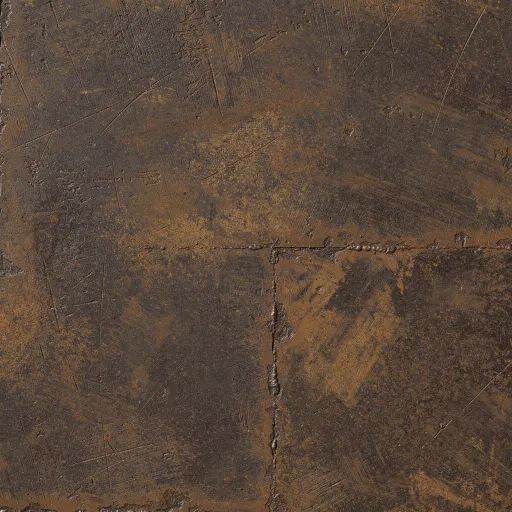
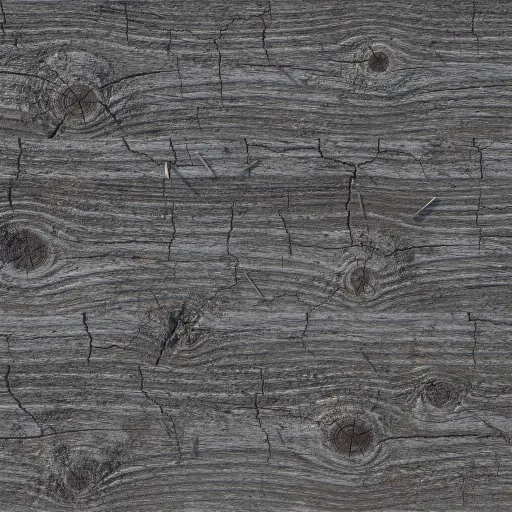

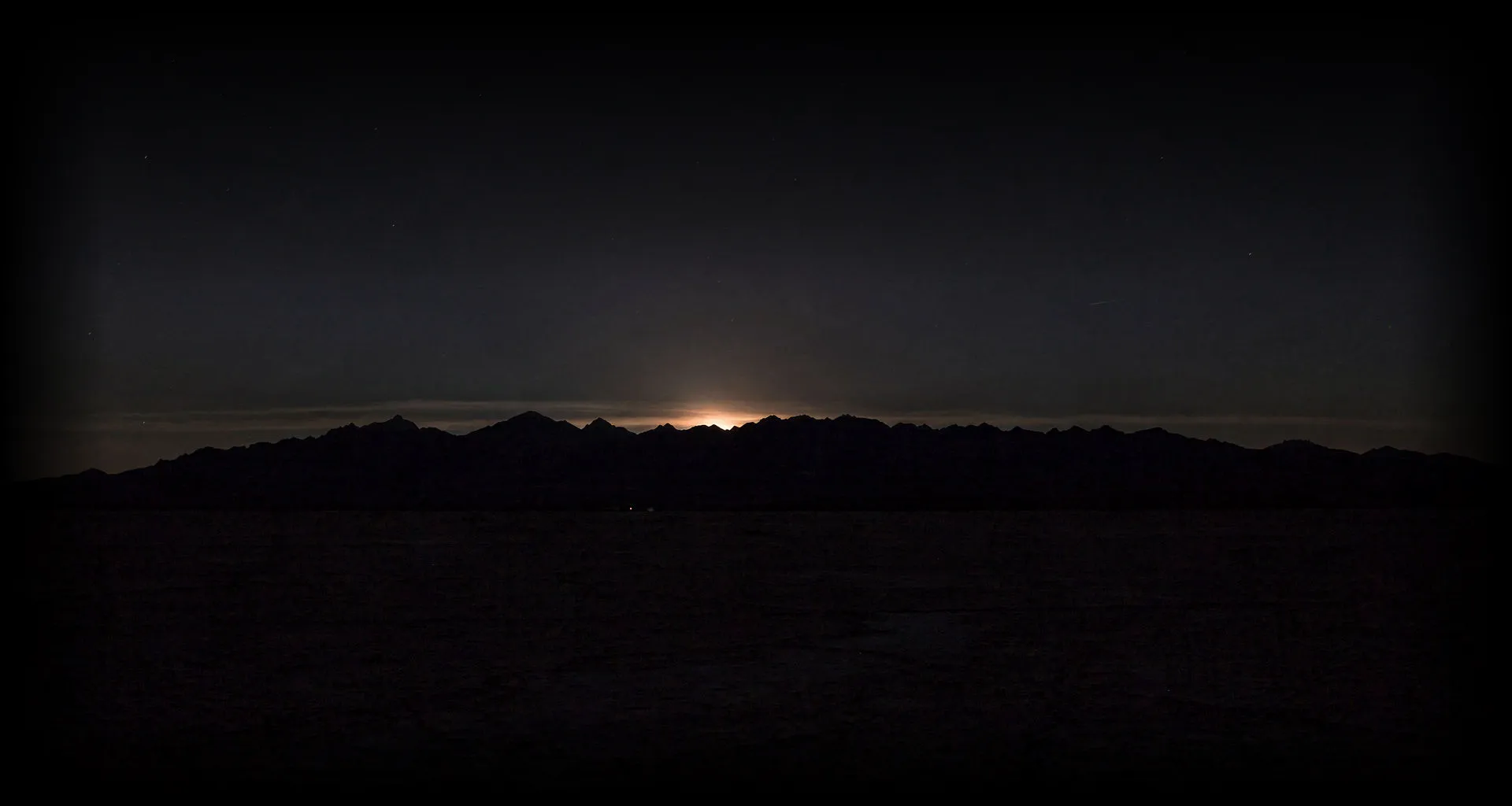
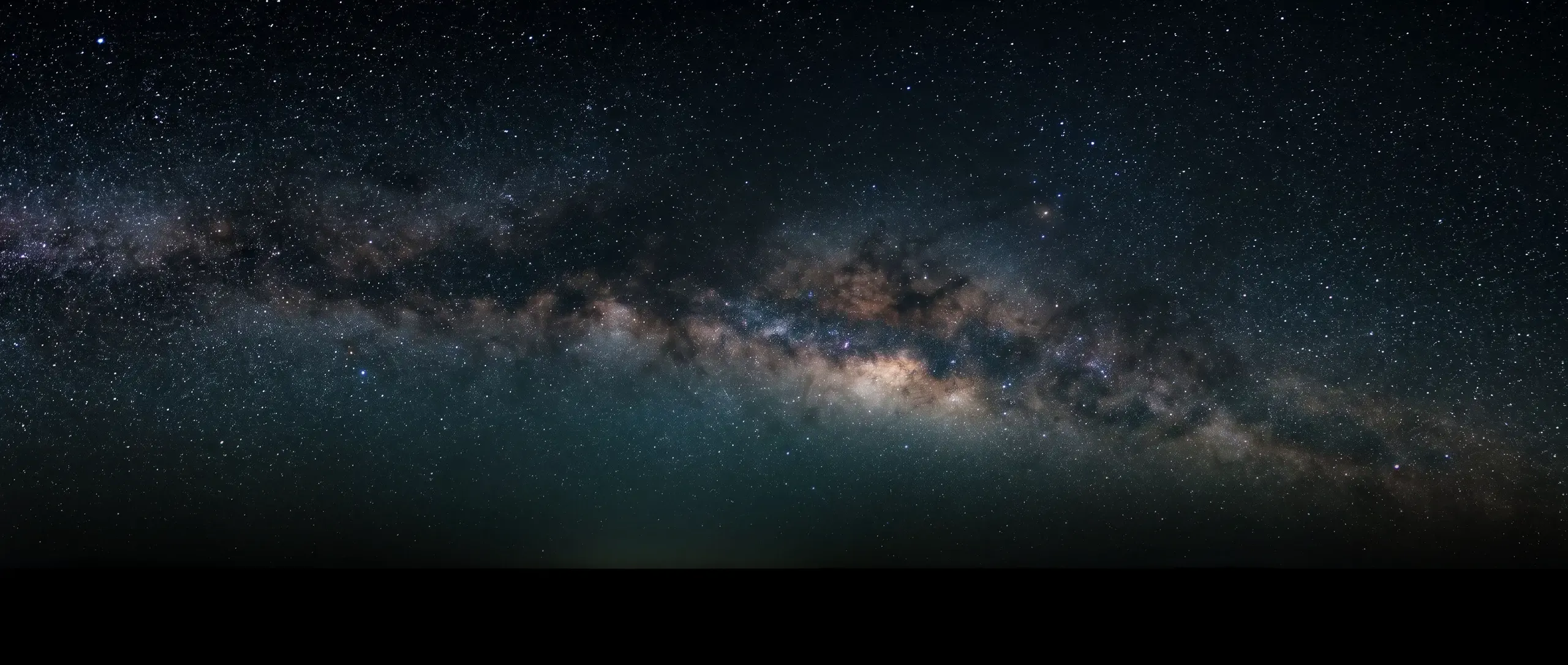
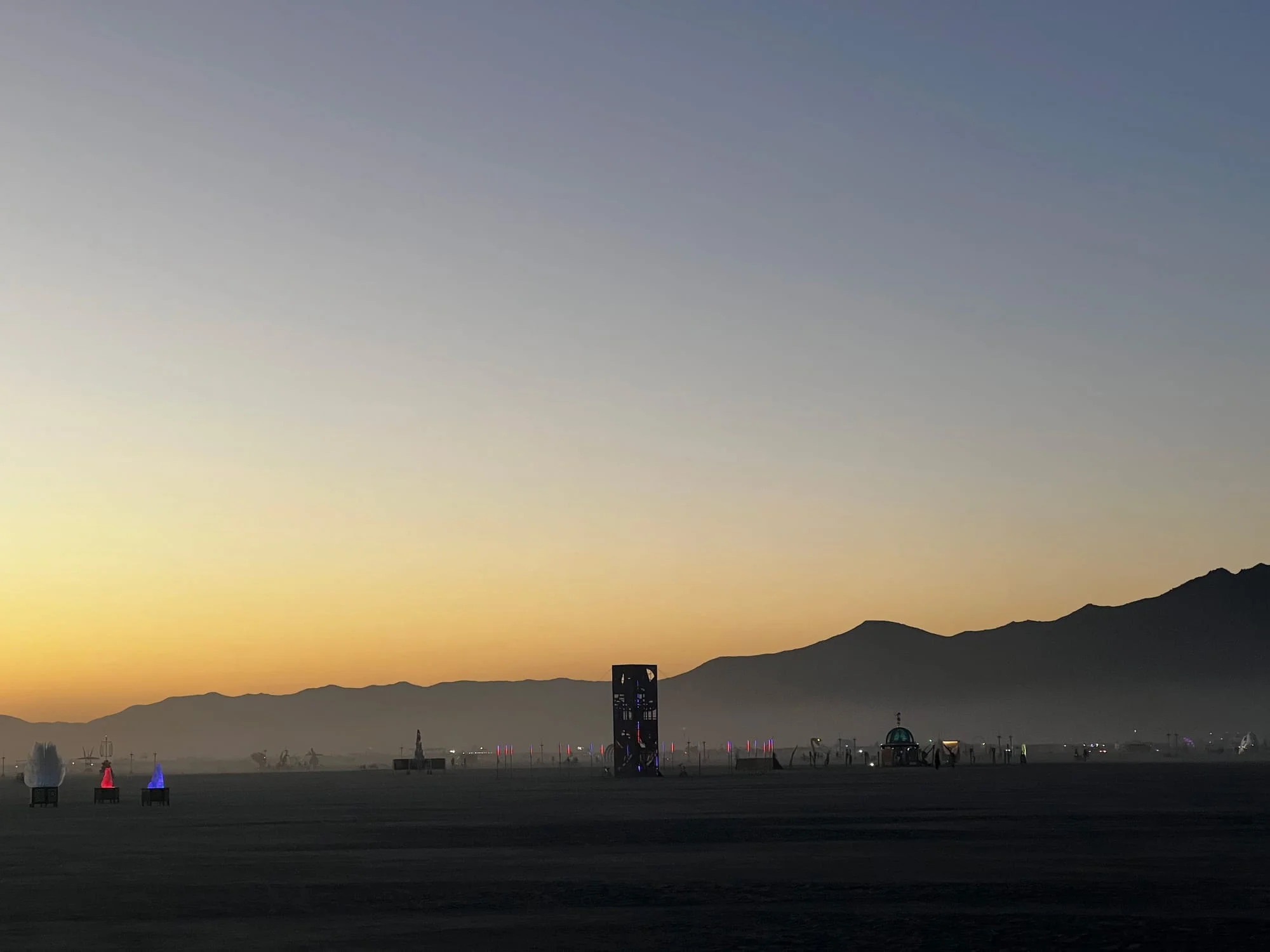
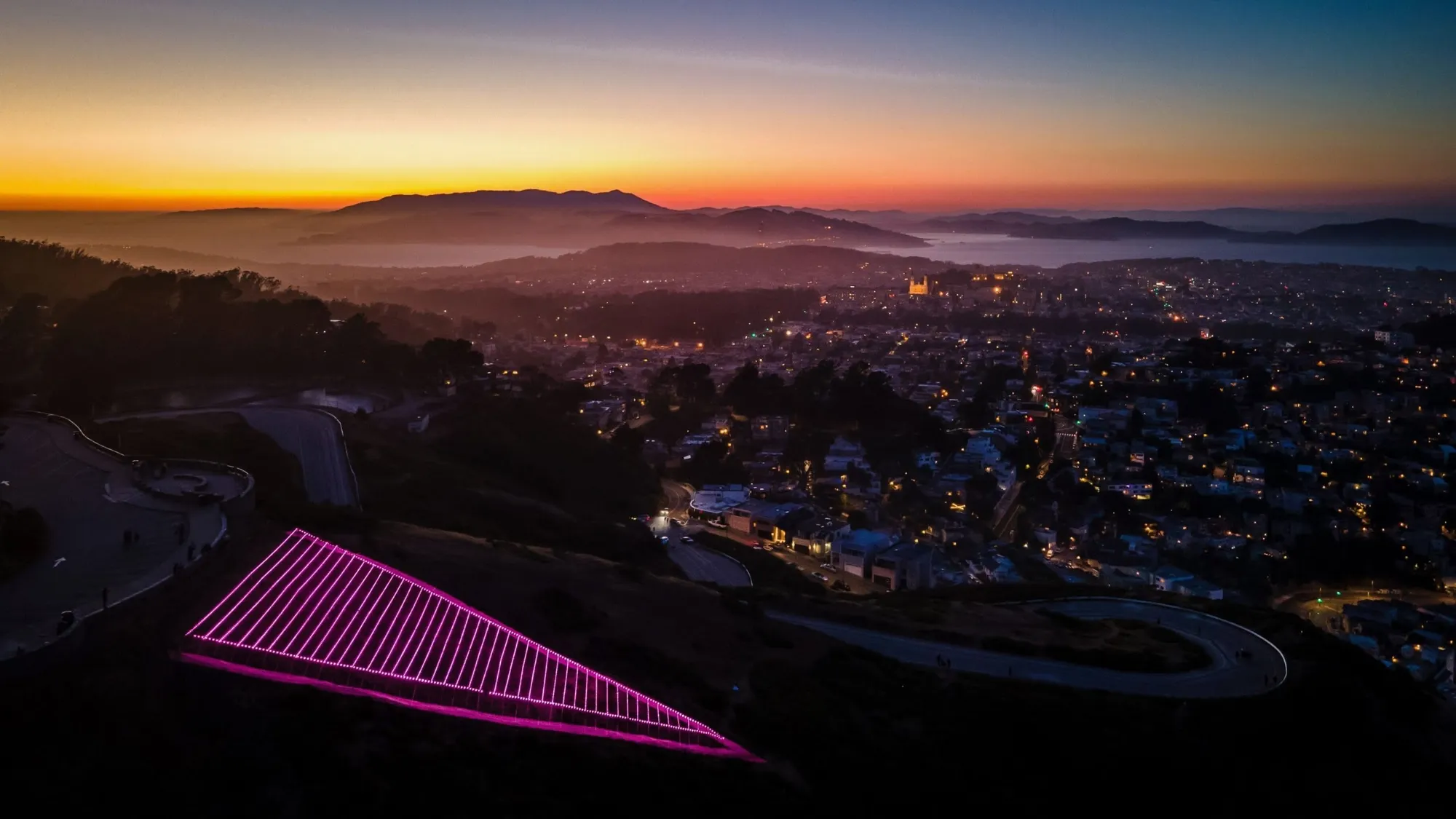
The models have referents, which is what keeps a 3D site from feeling like a tech demo. THEM stood in the Black Rock Desert as a pack of thylacines in steel and LED rope; the Pink Triangle faces the whole city from Twin Peaks every June. On the art page these photographs do documentary work. Here they're doing material work: proof that the place your site describes exists somewhere outside a GPU.
Let scroll play it back
Scroll is a timeline. The craft is deciding whose clock each scene runs on.
Motion on the web runs on one of two clocks. The movie runs on the page's clock: something enters the viewport, a timeline fires, and the moment lands the same for everyone. The flipbook runs on the reader's clock: scrub ties timeline progress to scroll position, so they conduct and they can conduct backwards. In GSAP these are toggleActions and scrub, and a trigger only gets one. Everything on this page picked a side: the spine and the bike are flipbooks, the opening line and these paragraphs are movies, and the teapot ignores both clocks because it answers to your pointer.
Chapters inside a flipbook are labels on its timeline; a snap setting keeps readers from parking between beats, and a pin holds the stage still while the timeline spends scroll instead of pixels. That's the entire vocabulary this page uses. Watch it once more with the gauges showing.
- descend. This scene is one GSAP timeline with four labels. Your scroll is the playhead, scrub: 1 gives it a second of catch-up, and the section stays pinned until the timeline runs out. The one free agent is a breath of camera sway; a perfectly rigid camera reads as a screen recording.
- signpost. Every camera move is a tween on a plain object with ease: "none", copied onto the real camera in a useFrame callback. A scrubbed tween maps scroll distance to motion; any other ease would warp that map.
- pack. The pack is holding still. On the homepage these three amble on their own clock; that is the movie. A flythrough running two clocks at once reads as broken, so each scene picks one and commits.
- dish. The corner readouts are the trigger’s actual state, written to the DOM from onUpdate. No React state anywhere on the scroll path; one re-render per scroll tick is how pages like this start to stutter.
Six ways this page could have broken
- 01
scrub and toggleActions on the same trigger. The trigger takes scrub and silently drops the rest; every trigger on this page picked one.
- 02
A ScrollTrigger on a child tween inside a timeline. Triggers belong on the timeline itself; children just play when the playhead reaches them.
- 03
A pixel end value with no invalidateOnRefresh. Rotate a phone once and every pin is measuring a viewport that no longer exists.
- 04
Creating triggers out of page order. Refresh math runs in creation order, so lazily mounted scenes need refreshPriority, or a ScrollTrigger.sort() after mount, which is what this page does.
- 05
Animating the pinned element itself. The pin owns that transform; fight it for control and the whole section flickers. Animate children.
- 06
Treating reduced motion as a nice-to-have. Every scene above has a static form that keeps all of the content. The choreography is garnish.
That's the guide. Find the event your resume is hiding, give it ground to stand on, then decide whose clock each scene runs on. You don't need a desert. You need the thing you'd build anyway, taken seriously enough to become a place someone else can walk through.